
Sorting and Filtering
The Pivot Table plugin includes powerful sorting and filtering capabilities, allowing users to dynamically adjust their view of the data.
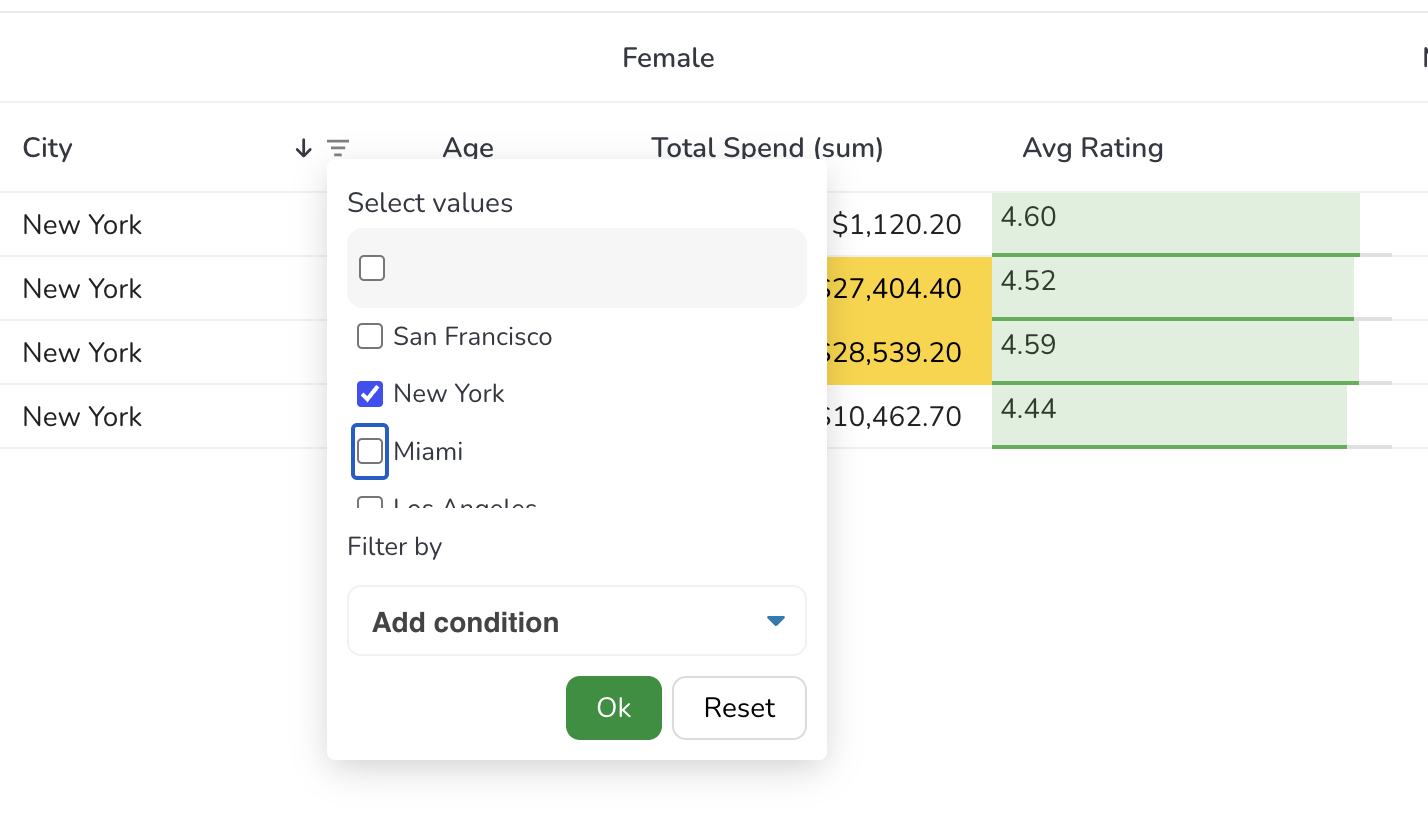
Sorting
Section titled “Sorting”Sorting can be applied to individual fields. When you mark a dimension as sortable, RevoGrid enables sorting on the generated pivot columns or the row headers.
const pivotConfig = { dimensions: [ { prop: 'Year', sortable: true // Enables sorting for this dimension } ]};Sorting Behavior
Section titled “Sorting Behavior”- Row Sorting: Sorts the hierarchical tree structure of rows.
- Column Sorting: Sorts the generated pivot columns alphabetically or numerically based on the dimension values.
Filtering
Section titled “Filtering”Filtering enables granular control over the displayed data. You can apply filters to dimensions just like you would with regular grid columns.
const pivotConfig = { dimensions: [ { prop: 'Category', filter: true // Enable standard filtering }, { prop: 'Amount', filter: 'number' // Enable numeric filtering } ]};The plugin handles the complex task of filtering the source data and then re-aggregating the results for the pivot view, ensuring consistency between the filters and the displayed summaries.